A WordPress website rebuild can dramatically improve performance, conversions, SEO visibility, and usability. But many businesses begin rebuild projects without fully understanding the real scope involved.
Some expect a rebuild to be little more than “a new design”. Others underestimate the planning, migration, SEO protection, testing, and refinement required to launch successfully.
The result is often:
- blown budgets
- delayed launches
- broken SEO
- poor performance
- disappointing ROI
This guide explains what a realistic WordPress rebuild actually involves, including:
- project scope
- implementation stages
- timelines
- cost expectations
- common mistakes to avoid
If you are researching WordPress rebuild cost in the UK, this will give you a far more accurate picture than generic pricing tables.
What Is a WordPress Website Rebuild?
A rebuild is not simply a visual refresh.
A proper rebuild usually involves:
- restructuring pages
- improving UX
- modernising templates
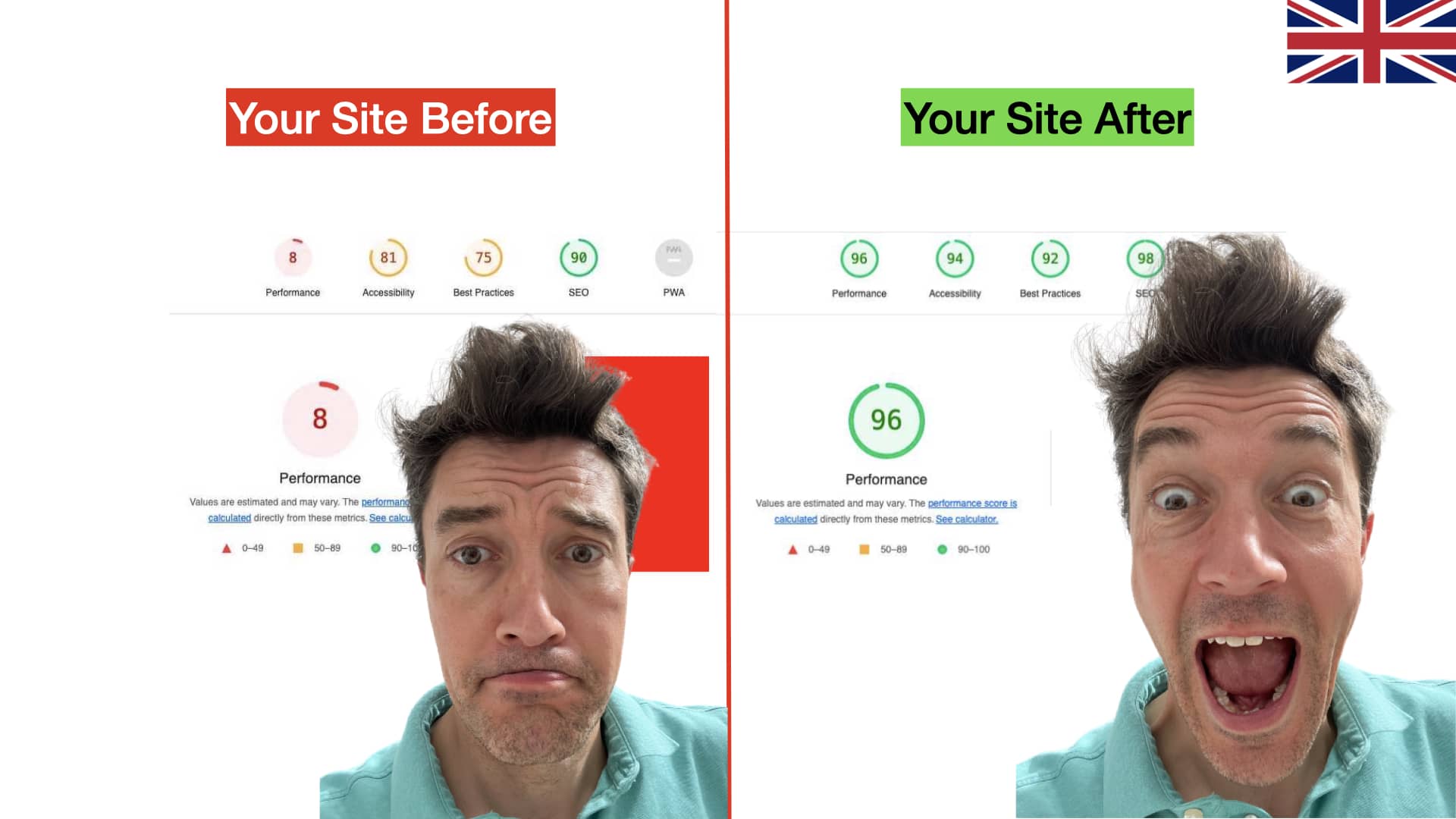
- improving speed
- refining SEO
- rebuilding layouts
- cleaning technical issues
- improving conversions
- replacing outdated plugins or systems
In many cases, the existing website becomes difficult to maintain, slow to load, or ineffective at generating enquiries.
A rebuild creates a cleaner long-term foundation.
Signs Your Website Probably Needs Rebuilding
Many businesses continue patching websites long after replacement would be more cost-effective.
Typical warning signs include:
- slow loading times
- poor mobile experience
- outdated design
- confusing navigation
- low enquiry rates
- Elementor or plugin bloat
- broken layouts
- declining SEO performance
- difficult content editing
- inconsistent branding
- poor Core Web Vitals
If several of these apply, rebuilding is often more efficient than continually repairing the existing setup.
Typical WordPress Rebuild Stages
A professional rebuild generally follows four major stages.
1. Audit and Scope
This is the foundation of the project.
Skipping this stage is one of the biggest reasons rebuilds fail.
The audit phase normally includes:
Technical Review
Checking:
- hosting setup
- plugin quality
- performance issues
- mobile usability
- indexing problems
- Core Web Vitals
- theme limitations
- security risks
SEO Review
Reviewing:
- rankings
- indexed pages
- URL structure
- metadata
- backlinks
- internal links
- traffic patterns
- redirect risks
UX and Conversion Analysis
Understanding:
- how users navigate
- drop-off points
- conversion bottlenecks
- weak calls-to-action
- page clutter
- trust issues
Scope Planning
This defines:
- required page templates
- content structure
- integrations
- rebuild complexity
- migration needs
- timelines
- budget expectations
Without a proper scope document, projects often drift and become expensive unexpectedly.
2. Template and Content Architecture
This is where the rebuild starts taking shape strategically.
The focus is not simply “design”.
It is creating a structure that supports:
- SEO
- usability
- conversions
- scalability
- easier editing
Template Planning
Most rebuilds include:
- homepage templates
- service page templates
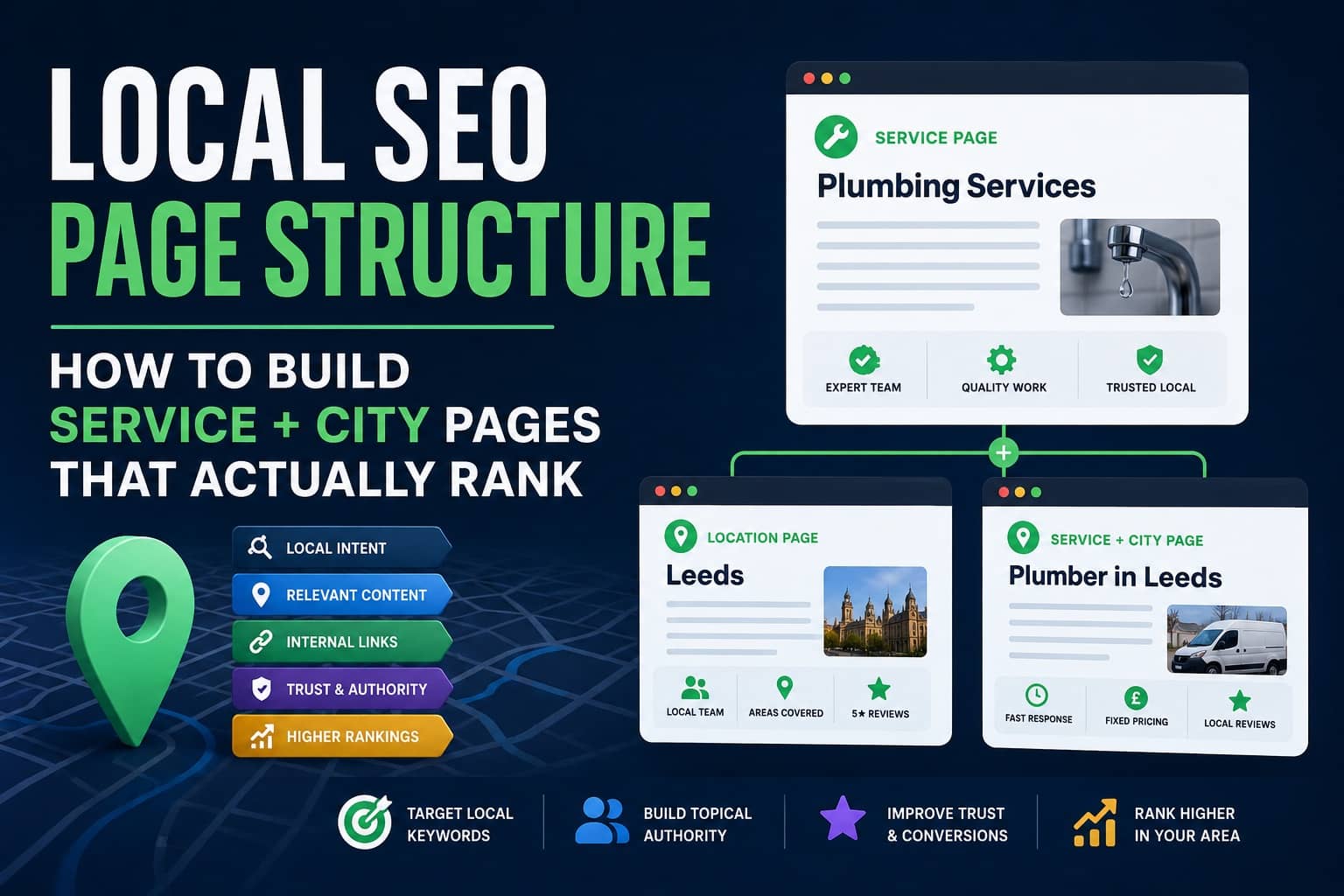
- location page templates
- resource/article templates
- FAQ layouts
- contact pages
- landing pages
Good templates reduce future development costs and improve consistency.
Content Architecture
This stage defines:
- navigation
- internal linking
- page hierarchy
- SEO structure
- content grouping
For example:
/services/
/industries/
/locations/
/resources/
/case-studies/
Poor architecture creates long-term SEO and usability problems.
Good architecture improves:
- crawlability
- topical authority
- user flow
- conversion pathways
Wireframing and UX
Many high-performing rebuilds also include:
- wireframes
- mobile-first layouts
- conversion-focused structure
- CTA positioning
- trust signal placement
This stage is often what separates average websites from genuinely effective ones.
3. Build and QA
This is the implementation phase.
The site is developed, integrated, tested, and refined.
Development
Typical work includes:
- WordPress setup
- custom templates
- responsive layouts
- plugin configuration
- speed optimisation
- form integration
- schema setup
- image optimisation
- analytics integration
A good rebuild should prioritise:
- performance
- maintainability
- SEO cleanliness
- future scalability
Not just visual appearance.
Content Migration
Existing content may be:
- migrated
- rewritten
- merged
- restructured
- removed entirely
This stage must be controlled carefully to avoid SEO damage.
Quality Assurance
QA is massively underestimated.
Proper testing includes:
- mobile testing
- browser testing
- speed testing
- form testing
- redirect testing
- SEO checks
- indexing validation
- accessibility checks
Skipping QA often causes post-launch problems that damage rankings and conversions.
4. Launch and Refinement
Launch is not the end of the rebuild.
It is the start of the optimisation phase.
Controlled Launch Process
A proper launch usually includes:
- backups
- DNS coordination
- redirect implementation
- analytics verification
- sitemap submission
- indexing checks
- monitoring
Poor launches can temporarily wipe rankings or break tracking completely.
Post-Launch Refinement
The best-performing websites continue improving after launch.
This may include:
- speed improvements
- SEO refinement
- conversion optimisation
- CTA testing
- heatmap analysis
- landing page improvements
The websites that produce the best ROI are rarely “finished”.
They evolve continuously.
WordPress Rebuild Cost in the UK
This is the question most businesses want answered first.
The honest answer is:
It depends heavily on complexity.
Typical UK Cost Ranges
Small Business Rebuild
Typical range: £2,000 to £5,000
Usually includes:
- brochure-style website
- template-led build
- limited custom functionality
- light SEO setup
Mid-Sized Custom Rebuild
Typical range: £5,000 to £15,000
Usually includes:
- custom layouts
- SEO-focused structure
- stronger UX work
- speed optimisation
- advanced integrations
- strategic content planning
Advanced or Large-Scale Rebuild
Typical range: £15,000+
Usually includes:
- custom systems
- advanced integrations
- complex migrations
- large content structures
- CRO work
- custom functionality
- multi-location SEO architecture
What Actually Affects Cost?
The biggest pricing factors are usually:
- number of templates
- content complexity
- migration requirements
- SEO protection work
- custom functionality
- integrations
- booking systems
- ecommerce
- performance requirements
- approval processes
- copywriting requirements
Not simply “number of pages”.
Cheap Rebuilds Often Cost More Later
One of the biggest mistakes businesses make is focusing only on launch cost.
Cheap rebuilds often create:
- bloated code
- poor SEO foundations
- plugin conflicts
- weak performance
- difficult editing systems
- low conversion rates
A poorly structured rebuild can quietly lose thousands in missed enquiries over time.
Budget for Post-Launch Optimisation
This is one of the most overlooked parts of website budgeting.
A rebuild alone does not guarantee strong ROI.
The best results often come from:
- ongoing SEO
- conversion improvements
- speed optimisation
- content expansion
- analytics review
- landing page testing
Budgeting for post-launch refinement protects the long-term value of the rebuild.
How Long Does a WordPress Rebuild Take?
Most rebuilds run between 3 and 8 weeks depending on complexity.
Typical timeline factors include:
- page count
- stakeholder approvals
- copywriting
- integrations
- ecommerce
- migration complexity
- feedback speed
Larger projects may run substantially longer.
Can You Keep Existing Content and URLs?
Yes, with a controlled migration plan.
In many rebuilds:
- URLs are preserved
- redirects are implemented
- content is migrated carefully
- SEO equity is protected
This is critical for maintaining rankings and avoiding traffic loss.
Common Rebuild Mistakes
Rebuilding Without SEO Planning
Many redesigns accidentally destroy rankings because SEO is treated as an afterthought.
Prioritising Design Over Conversions
A visually impressive site that generates fewer enquiries is not an upgrade.
Using Too Many Plugins
Bloated plugin stacks often create:
- slower websites
- instability
- maintenance problems
Ignoring Mobile UX
Most traffic is mobile.
Desktop-first thinking still causes major usability issues.
Launching Too Early
Rushed launches often create:
- broken forms
- indexing problems
- missing redirects
- tracking failures
What a Good Rebuild Should Deliver
A successful WordPress rebuild should improve:
- speed
- SEO visibility
- enquiry generation
- mobile usability
- trust
- scalability
- editing experience
- long-term maintainability
It should not simply “look newer”.
It should perform better commercially.
Final Thoughts
A WordPress rebuild is a significant business investment, not just a design project.
The strongest rebuilds combine:
- technical performance
- SEO structure
- conversion thinking
- clean architecture
- scalable systems
- long-term optimisation
Businesses that approach rebuilds strategically typically see:
- stronger rankings
- better lead quality
- improved conversion rates
- lower maintenance issues
- higher long-term ROI
The key is understanding that a successful rebuild is not just about launch day.
It is about building a platform that continues performing properly for years afterwards.
FAQs
Most rebuilds run 3 to 8 weeks depending on complexity.
Yes, with a controlled migration plan.